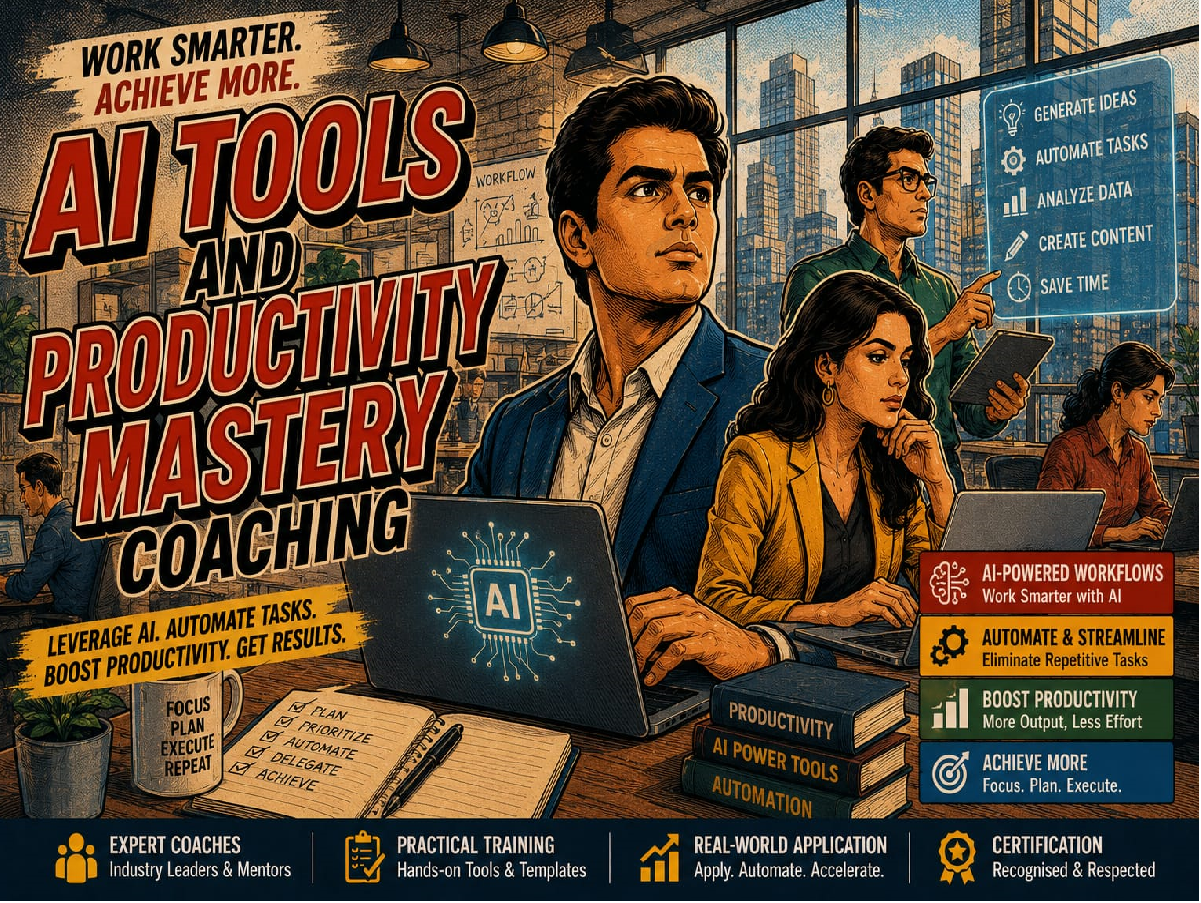
AI Productivity Mastery is a hands-on, scenario-driven program that teaches learners how to work faster, think more clearly, and produce better output by combining today's leading generative AI tools — every one of them accessible on a free plan, free trial, or free credits. Instead of passive tutorials, learners complete real tasks inside each tool: drafting, researching, coding, designing, editing video, and building a personal AI-powered workflow they can use immediately at work, in study, or in business.
The course treats AI literacy as a portfolio skill: knowing which tool to reach for, how to prompt it effectively, and how to chain multiple tools together for compounding productivity gains — without needing to pay for a single subscription to complete the course.
Who This Course Is For
• Professionals and managers who want to reclaim hours currently spent on routine writing, research, design, and meeting follow-up.
• Students, researchers, and lifelong learners who want to study, code, and synthesise information faster.
• Entrepreneurs, marketers, and small teams who need content, design, and video output without a large team or budget.
• HR, L&D, and business teams rolling out a no-cost AI adoption program and needing a practical, tool-agnostic curriculum.
Format & Delivery
• Experiential and scenario-based: every module includes a live simulation, build, or role-play — not passive video only.
• Self-paced with a suggested 10-week cadence (approximately 3.5 hours per week).
• Built entirely around free plans, free trials, or free credits — no paid subscription required to complete the course.
• Includes downloadable prompt templates, a personal prompt library builder, and a capstone project.
Prerequisites
• No coding or technical background required (Module 4 introduces coding assistants from first principles).
• A computer or smartphone with internet access.
pause_circle
We have stopped accepting any new enrollments for this program.
Included in coaching
Session 1
Module 1: Foundations — Mapping the GenAI Toolscapee
• The 2026 GenAI landscape: general assistants, research tools, coding copilots, creative generators, and meeting assistants
• Free plan vs. free trial vs. free credits — what each really gives you
• A one-page decision framework: 'What am I trying to do?' to 'Which tool fits?'
• Account setup and safe-use basics before working with any of the 20 tools
30 min
Session 2
Module 2: General AI Assistants — ChatGPT, Claude, Gemini & Copilot
• ChatGPT: versatility, custom GPTs, broad workflow support
• Claude: long-context reasoning, nuanced writing, document analysis
• Google Gemini: Gmail/Docs/Sheets integration, multimodal prompting
• Microsoft Copilot: Microsoft 365 assistance, email drafting, presentation help
30 min
Session 3
Module 3: Research & Learning AI — Perplexity & NotebookLM
• Perplexity: focus modes, citation checking, Collections for ongoing research
• NotebookLM: uploading sources, auto-generated study guides and FAQs
• NotebookLM Audio Overviews — turning documents into podcast-style summaries
• When to search the open web vs. stay grounded in your own material
30 min
Session 4
Module 4: AI Coding Assistants — GitHub Copilot, ChatGPT, Claude & DeepSeek
• GitHub Copilot: code completion, debugging, and auto-documentation inside the editor
• ChatGPT and Claude as coding thinking-partners: explaining, refactoring, reviewing
• DeepSeek: reasoning, mathematics, and research-style coding support
• Verifying AI-generated code before use: testing and review habits
• Leonardo AI: free daily credits, concept art, and game-style assets
• Adobe Firefly: free credits, image generation, text effects, and image editing
• Midjourney: high-quality artwork (no permanent free plan — occasional trials only)
• Canva AI (Magic Media): fast, on-brand image generation inside a design tool
30 min
Session 6
Module 6: AI Video Creation — Runway ML, Synthesia & CapCut AI
• Runway ML: text-to-video, background removal, and simple animation
• Synthesia: AI avatars for training and e-learning videos
• CapCut AI: auto-captions, avatars, and fast social-video editing
• Matching the video tool to the task: training content vs. social content vs. raw generation
30 min
Session 7
Module 7: AI Presentations & Documents — Gamma & Canva AI
• Gamma: prompt-to-deck generation for presentations, documents, and websites
• Canva Magic Design and Magic Write for slides and one-page documents
• Keeping AI-generated decks on-brand with Brand Kits
• Editing and refining an AI-drafted deck rather than accepting the first output
• Jasper AI: marketing content, blogs, and copywriting templates
• Grammarly AI: grammar, clarity, and tone-of-voice checking
• ChatGPT for first drafts, Grammarly for final polish — a repeatable two-tool workflow
• Keeping brand voice consistent across AI-assisted marketing content
30 min
Session 9
Module 9: Meetings, Notes & Workplace AI — Otter.ai & Microsoft Copilot
• Otter.ai: live transcription, meeting summaries, and action-item extraction
• Microsoft Copilot: meeting recaps and follow-up drafting inside Microsoft 365
• Turning a messy meeting transcript into a clean, assignable action list
• Privacy considerations when recording and transcribing meetings
30 min
Session 10
Module 10: Everyday & Social AI — Meta AI
• Where Meta AI lives: WhatsApp, Instagram, Messenger, Facebook
• Quick answers, translations, and reminders inside chat threads
• Image generation and editing for social content
• Boundaries: what embedded assistants are (and aren't) built for
30 min
Session 11
Module 11: Prompt Engineering Across Every Platform
• The CRAFT framework: Context, Role, Action, Format, Tone
• Prompt patterns that transfer across ChatGPT, Claude, Gemini, and Copilot
• Adapting prompts for image and video tools (style, composition, pacing)
• Building and maintaining a personal or team prompt library
30 min
Session 12
Module 12: Building Your Personal AI Stack & Workflow
• Chaining tools: research in Perplexity → notes in NotebookLM → drafting in ChatGPT/Claude → design in Canva/Gamma → video in CapCut
• Auditing your week: where AI can realistically save time on a free-tier budget
• Common failure modes: tool-switching fatigue, over-reliance, unverified output
• Designing a sustainable personal AI routine across free and paid tools

 Launch your Graphy